

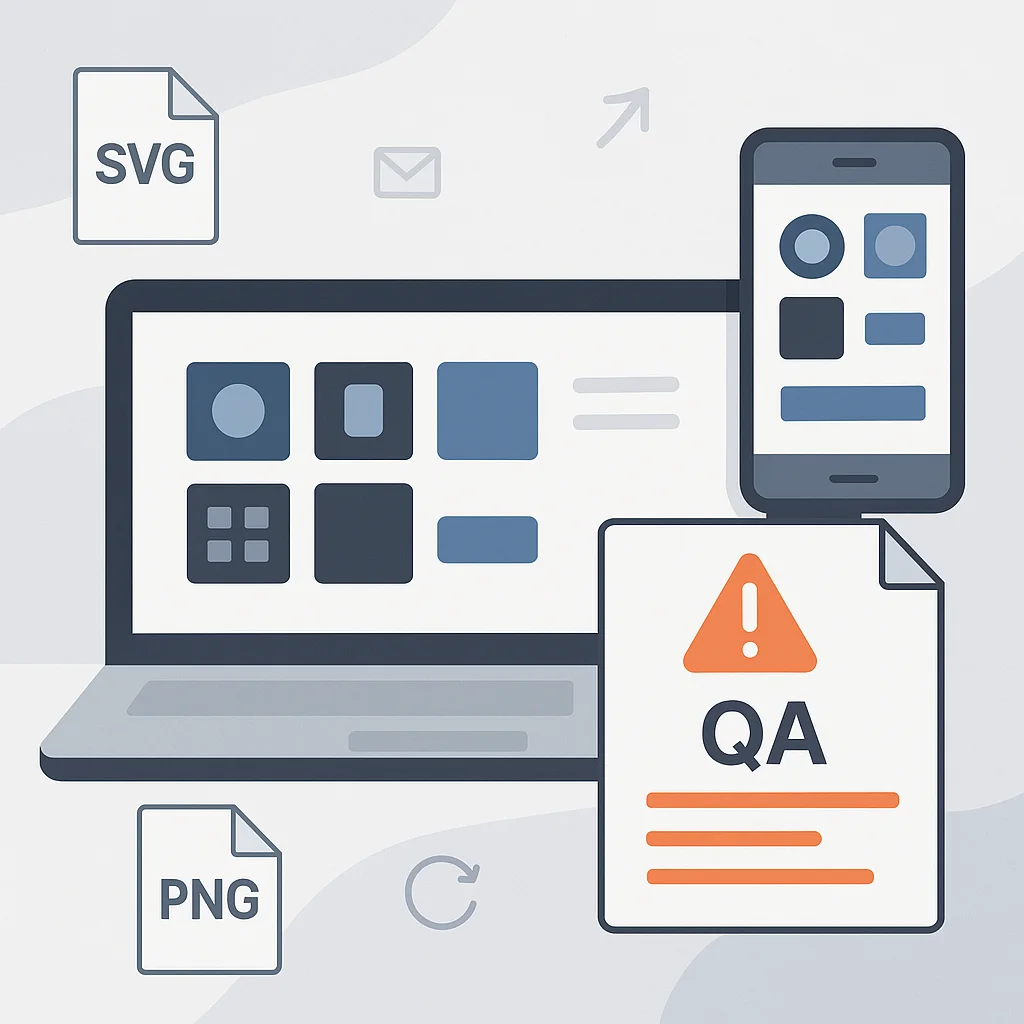
Frontend teams rarely consider visual assets a potential testing risk. Icons, logos, SVGs, and UI components often seem secondary to the product’s core functionality. Yet these small details frequently lead to visual bugs that only appear after release.
One team updates an icon, another keeps using an older file version, and a third exports the asset in a different format—then the interface starts to look inconsistent across devices. For QA, this becomes an ongoing challenge of visual discrepancies, regression noise, and repeated rework.
Why visual inconsistencies are becoming a problem for QA
As a product grows, the volume of visual assets increases rapidly. Even a typical SaaS project may rely on hundreds of icons, logos, buttons, illustrations, and UI elements.
This is especially evident in multi-product environments where multiple frontend teams work in parallel. One developer pulls an outdated SVG logo, another exports a PNG with different settings, and a designer updates the asset only in Figma while overlooking production files. As a result, QA encounters issues that functional testing often doesn’t catch. The interface may look fine in Chrome but render incorrectly in Safari or on mobile devices.
A common example is handling brand assets. During UI testing, QA might find that the BMW logo appears differently on mobile and desktop. It looks sharp in one place but slightly stretched or outdated in another. These details rarely affect functionality, but they significantly impact the interface’s visual quality.
How the lack of centralized asset libraries complicates testing
The situation becomes more serious when teams store visual assets locally. Some people upload files into separate folders, others manually copy them between projects, and certain components simply disappear after yet another redesign.
In these conditions, automated UI testing becomes unreliable. Snapshot tests flag changes that have nothing to do with functionality. QA engineers end up spending time reviewing false positives instead of focusing on real defects.
Most often, teams face the following problems:
All of this adds overhead not only for QA, but also for developers. In some cases, fixing a single visual issue can take longer than resolving a backend bug.
The role of visual regression testing in quality control
In recent years, visual regression testing has become one of the key tools in frontend QA—especially for products where the interface changes frequently. Tools like Playwright, Percy, or Applitools make it possible to automatically compare screenshots and detect unexpected UI changes. This can significantly streamline testing, but only when visual assets remain consistent.
When teams rely on centralized asset libraries, automated testing becomes far more stable. The system references a single set of files, which greatly reduces the chance of accidental inconsistencies.
The process usually looks like this:
This approach is particularly valuable for large products with multiple frontend teams. Instead of continuously rechecking the UI by hand, QA can concentrate on more complex testing scenarios.
How shared asset libraries help development and QA teams
When all visual assets are managed in one place, work becomes noticeably simpler. Developers spend less time searching for the correct files, designers can be confident the interface looks consistent across products, and QA gets more predictable test results.
Another major benefit is onboarding. It’s much easier for a new frontend developer to understand a project when assets are structured and available through a single source of truth. Centralized libraries also reduce friction between design and QA: teams rely on the same set of components rather than arguing about which asset is current.
Over time, this improves release speed. The fewer visual bugs discovered late in testing, the faster the product moves through the QA pipeline.
Why testing consistency is important for the user experience
Users rarely notice an interface that works perfectly. But visual errors stand out almost immediately. Misaligned icons, blurry logos, or unexpected UI changes make the product feel unfinished. That’s why visual quality is no longer only a design concern—it’s an essential part of software quality and testing strategy.
Even minor inconsistencies can weaken trust. If a logo looks different between web and mobile, users may start to question the service’s overall reliability.
Shared visual asset libraries help prevent these issues before release. For QA teams, that means less confusion, fewer false failures, and a more stable testing workflow.