
Did you know that 92% of customers read online reviews before buying something? That means app reviews are far more than a simple indicator of customer satisfaction. They can also reveal defects and usability problems that your QA team may not catch.
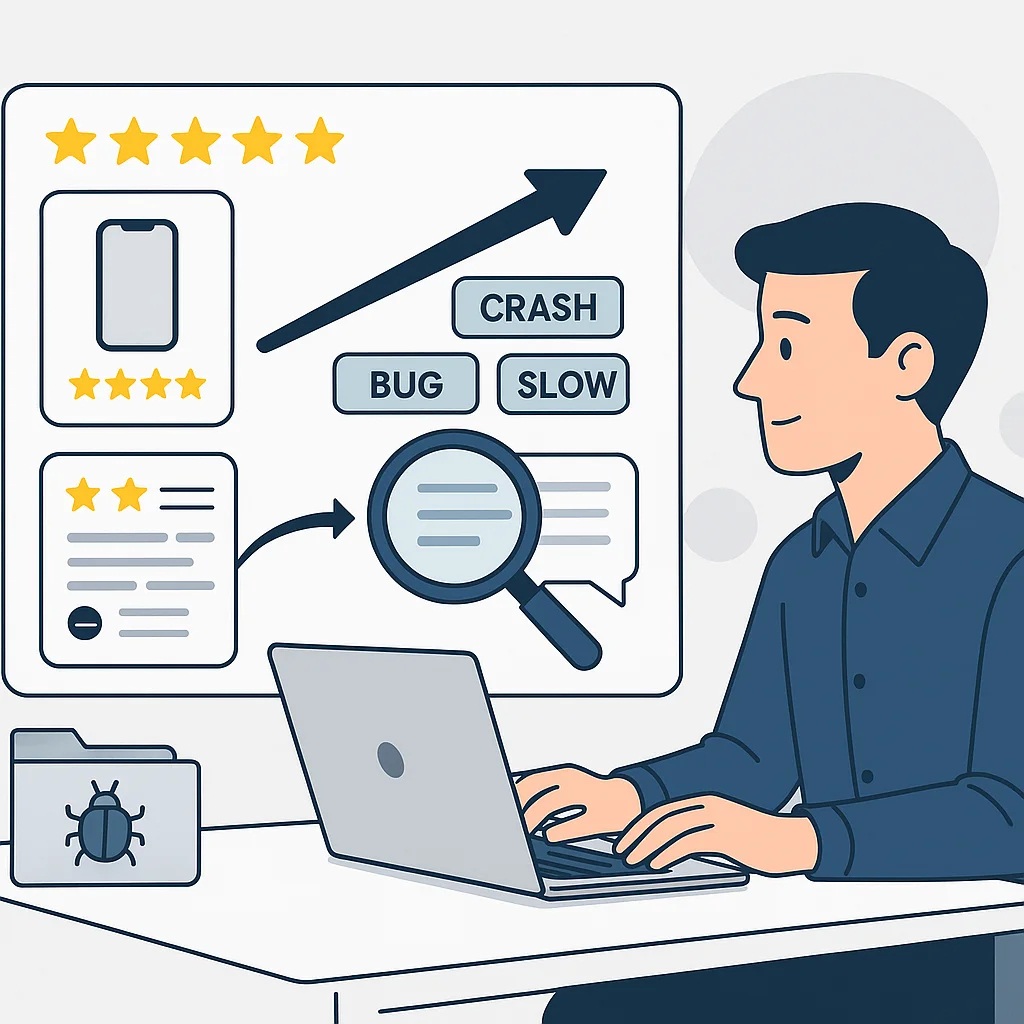
So why not use that insight to build better tests? Rather than reading every review one by one, the team can follow a simpler approach: collect user feedback, group similar complaints, identify the most important issues, and create test cases based on what you find.
Gather Reviews in One Place
Start by collecting reviews from the App Store and Google Play in a single location. Be sure to capture key details such as the review text, rating, date, app version, device, and operating system when available.
This context matters. “The app keeps crashing” is important, but “the app started crashing on Android in version 8.2” gives testers much more actionable information.
Categorize Similar Complaints
Users rarely describe the same issue in the same way. One person might say an app “freezes,” another might say it “hangs while loading,” and a third might report that it “crashes all the time.”
These could all refer to the same underlying problem. Instead of treating each review as a separate issue, group similar complaints together. AI-based app review management tools can support this step with automated labeling, summaries, sentiment analysis, and detection of recurring themes, which can significantly speed up the process.
Use Simple Tags to Triage Issues
Once reviews are grouped, make sure they are classified clearly. Consider the following tags:
Keep in mind that you don’t need a complex system. The goal is simply to make it easier to spot patterns.
Setting Priorities According to the Actual Effect
Not every one-star review should automatically become a top priority. Evaluate issues based on severity, frequency, how long they’ve been occurring, and their business impact.
A minor complaint reported a hundred times may be more urgent than a serious payment or data loss issue mentioned only a few times. This helps your QA team make better decisions about which feedback should be converted into test cases.
Convert Reviews into BDD Scenarios
This is where user feedback becomes testable workflows. For example, if a user says, “I select a profile picture, and the app stops working,” you can translate it into:
Given the user is logged in
When they select a valid profile photo
Then the image should upload successfully
And the app should remain responsive
From there, you can expand coverage by testing related scenarios such as unsupported file types, poor connectivity, or large image sizes. The review provides the real-world issue, and the tester turns it into a structured test.
Register Jira Tickets for Identified Bugs
After reproducing an issue, create a concise Jira ticket. It should include the original feedback, app version, device or OS details, steps to reproduce, expected result, actual result, and severity.
Keeping the user’s original report is helpful when sharing with developers. It allows them to see exactly what the user experienced instead of relying on a vague summary.
Include Important Issues in Your Regression Suite
Don’t let a customer-reported issue disappear once it’s fixed. If the issue mattered to users, add it to your regression suite.
This ensures future releases are checked for problems that have already occurred. Over time, your regression tests become more realistic because they are partially based on real-world cases.
Maintain the Feedback Loop
This process typically follows this sequence: Analyze → Collect → Categorize → Determine Importance → Conduct Tests → Rectify Issues → Conduct Regression Testing → Supervise.
After shipping a fix, continue monitoring reviews. A reduction in complaints suggests the fix worked. If complaints persist, the team may need to investigate further.
The main advantage is straightforward: you stop treating app reviews as input meant only for marketing or customer support. Instead, you use them as a practical source of real-world testing insights.
Turn Customer Feedback Into Better Testing
Your users are already pointing out where your app is struggling—you just need a way to turn those comments into action.
Grouping similar reviews helps QA teams identify likely issues, build BDD scenarios, and add confirmed bugs to regression testing.